Integrations setup
TellDone connects with other apps to extend your workflow. Here's an overview of all available integrations.
Local integrations (iOS only)
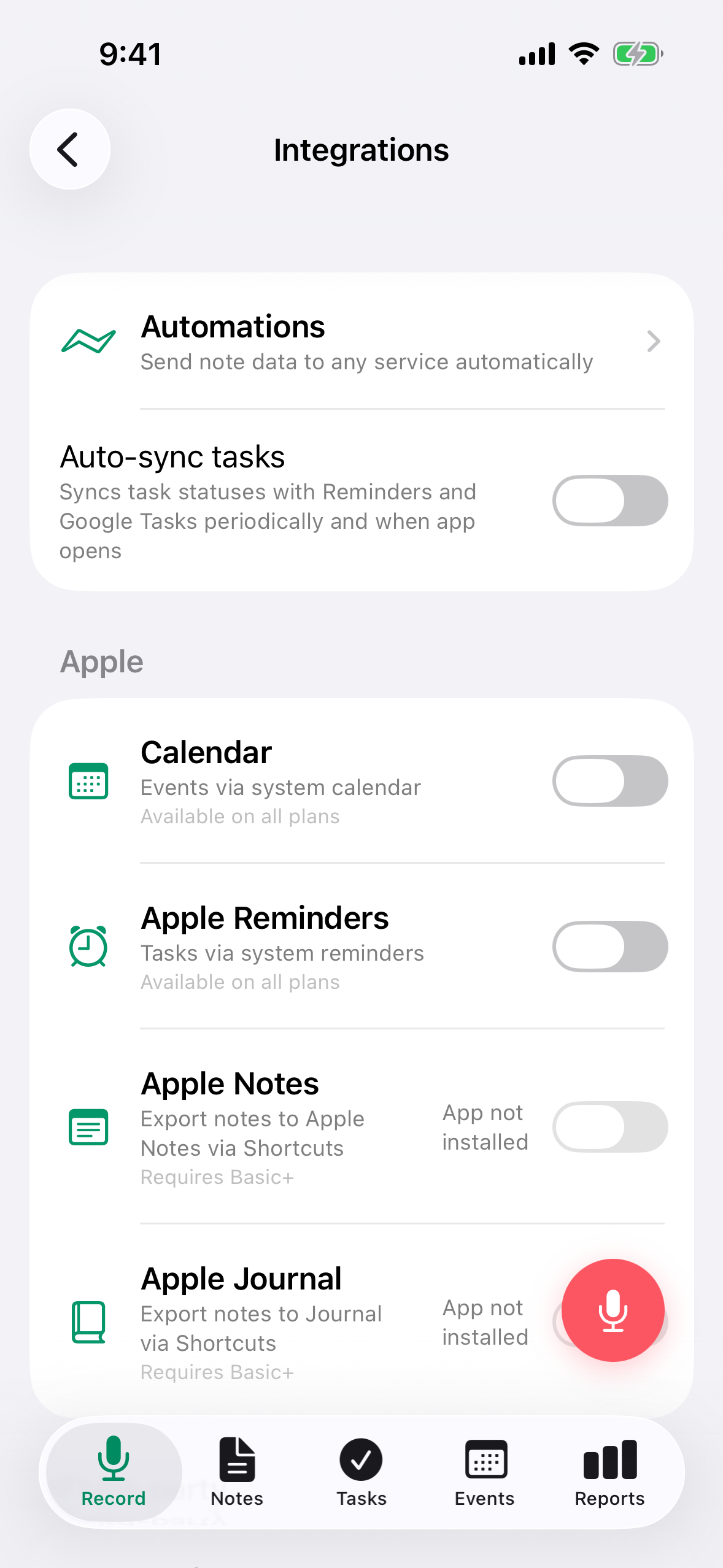
These sync directly on your device. They don't require a paid plan and don't use integration slots.
- Apple Calendar - sync events from recordings to Apple Calendar
- Apple Reminders - sync tasks to Apple Reminders
- Things 3 - send tasks to Things 3 (requires Things 3 installed)
- Google Tasks - sync tasks to Google Tasks
- Apple Notes - send notes to Apple Notes
- Apple Journal - send notes to Apple Journal
Toggle each one in Settings > Integrations.
Server integrations
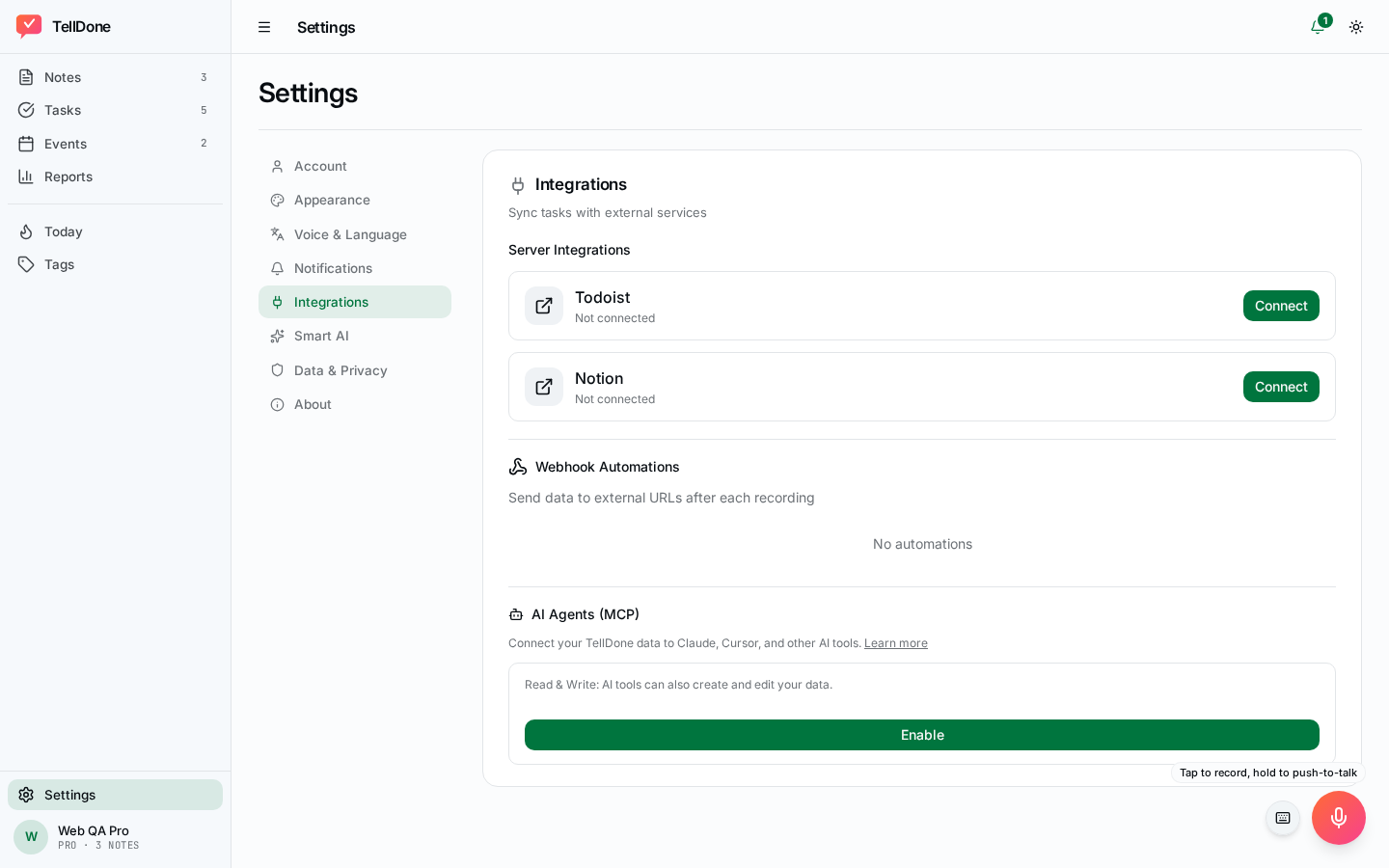
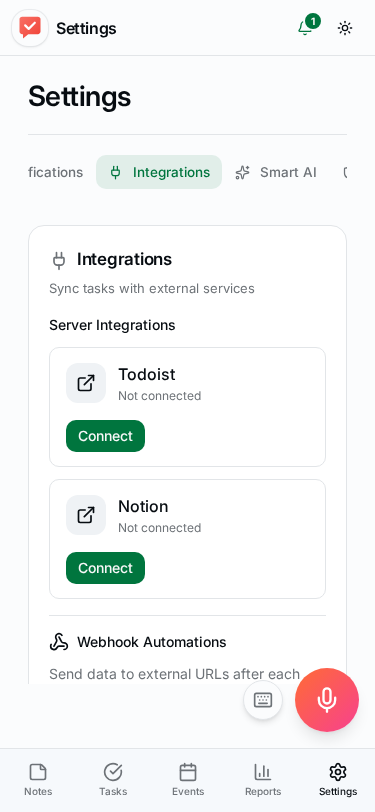
These sync through TellDone's servers and work on all platforms.
- Todoist - two-way task sync via OAuth
- Notion - send notes, tasks, and events to Notion via OAuth
- Microsoft To Do - two-way task sync via OAuth
Integration slots
Server integrations use slots based on your plan:
| Plan | Integration slots |
|---|---|
| Free | 0 |
| Basic | 1 |
| Pro | Unlimited |
| Ultra | Unlimited |
The Settings screen shows "X of Y integration slots used."
Webhook automations
Send data to external services when recordings are processed. Requires a paid plan.
- Works with Zapier, Make, n8n, and custom URLs
- Configure in Settings > Integrations > Webhook Automations
| Plan | Max webhooks | Deliveries/month |
|---|---|---|
| Basic | 1 | 300 |
| Pro | 3 | 3,000 |
| Ultra | 10 | 15,000 |
For payload format, security, and delivery details, see Webhook automations.
Email forwarding (Pro and above)
Automatically receive processed note data by email after each recording. Configure in Settings > Email.
MCP Access (Pro and above)
MCP (Model Context Protocol) lets AI agents interact with your TellDone data programmatically.
- Pro - read + write access (27 tools, optional read-only mode toggle)
- Ultra - read + write access (27 tools, optional read-only mode toggle)
Configure in Settings > Integrations > MCP Access.
For detailed setup instructions for individual integrations, see Apple Calendar and Reminders, Todoist, Notion, Microsoft To Do, or MCP Access.