TellDone Offline
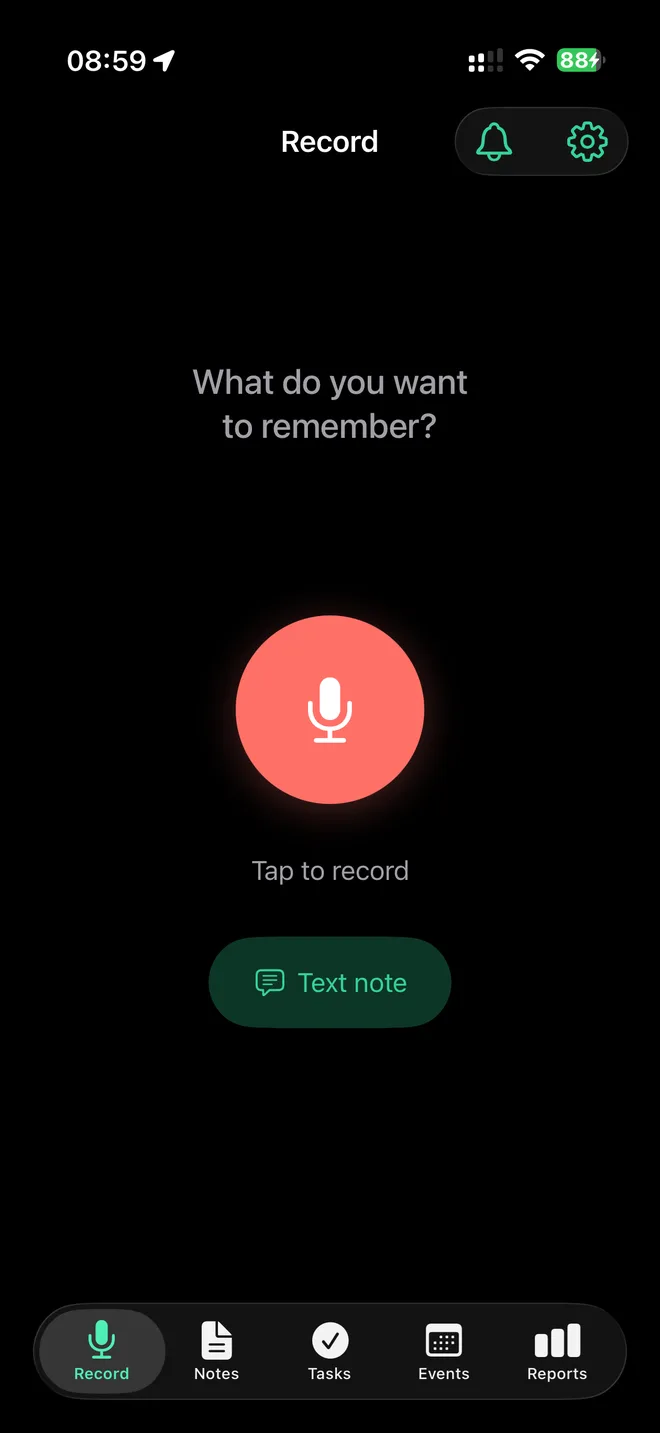
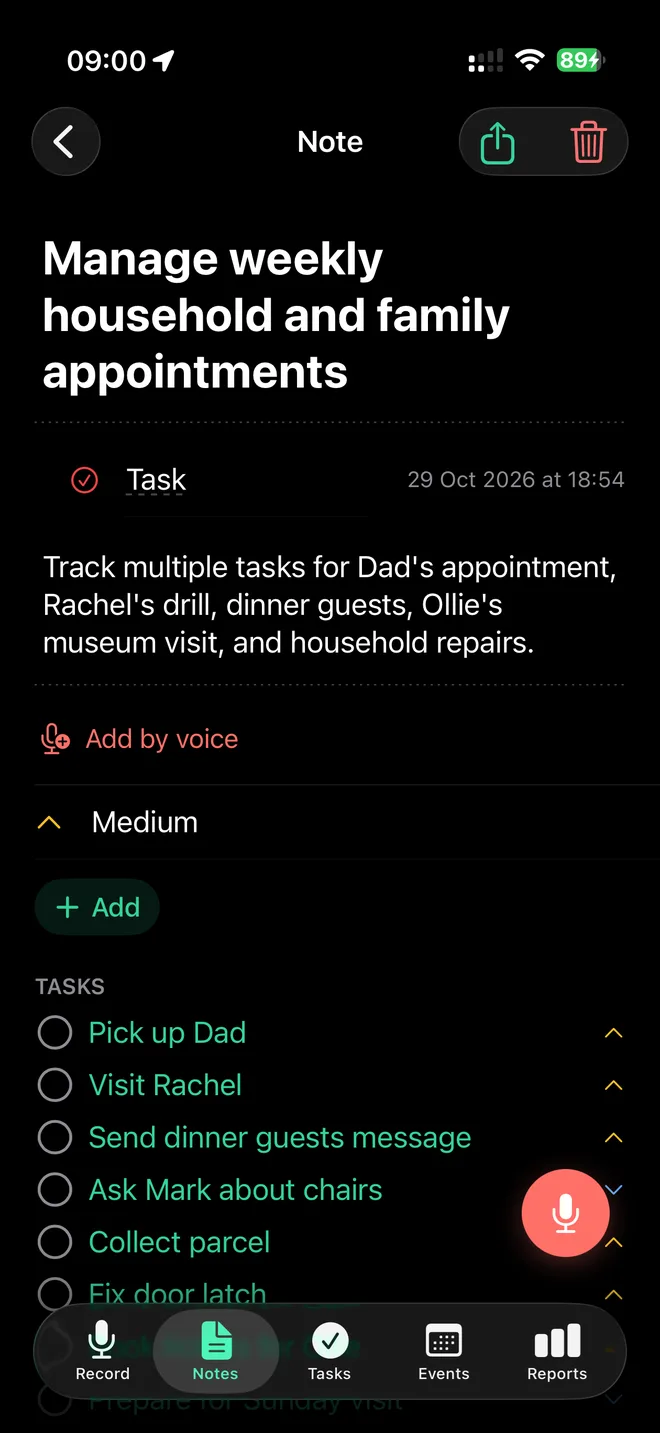
TellDone Offline is a separate app for iPhone and iPad (iOS 18 and later). You record or type a note, and the app turns it into a transcript, a summary, tasks, and calendar events. All of it happens on your device. There is no server and no account, and your notes never leave your phone.
It is a different app from TellDone. The two do not share data unless you move your notes yourself (see Move your notes to a TellDone account).
What it can do
- Record or type a note. The recording becomes a transcript, a short summary, tasks, and events.
- Record from anywhere. Start from the app, the Lock Screen, Control Center, the Action Button, or Apple Watch. Recording keeps going while your iPhone is locked. You can stop it with Siri by saying "Stop recording in TellDone Offline". Siri stops the current recording without opening the app.
- Reports. Daily, weekly, monthly, and yearly reports, plus a year in review. They are written on your device, and only when you tap the button.
- Search and organize. Search notes, tasks, and events, add tags, and add follow-ups to earlier notes.
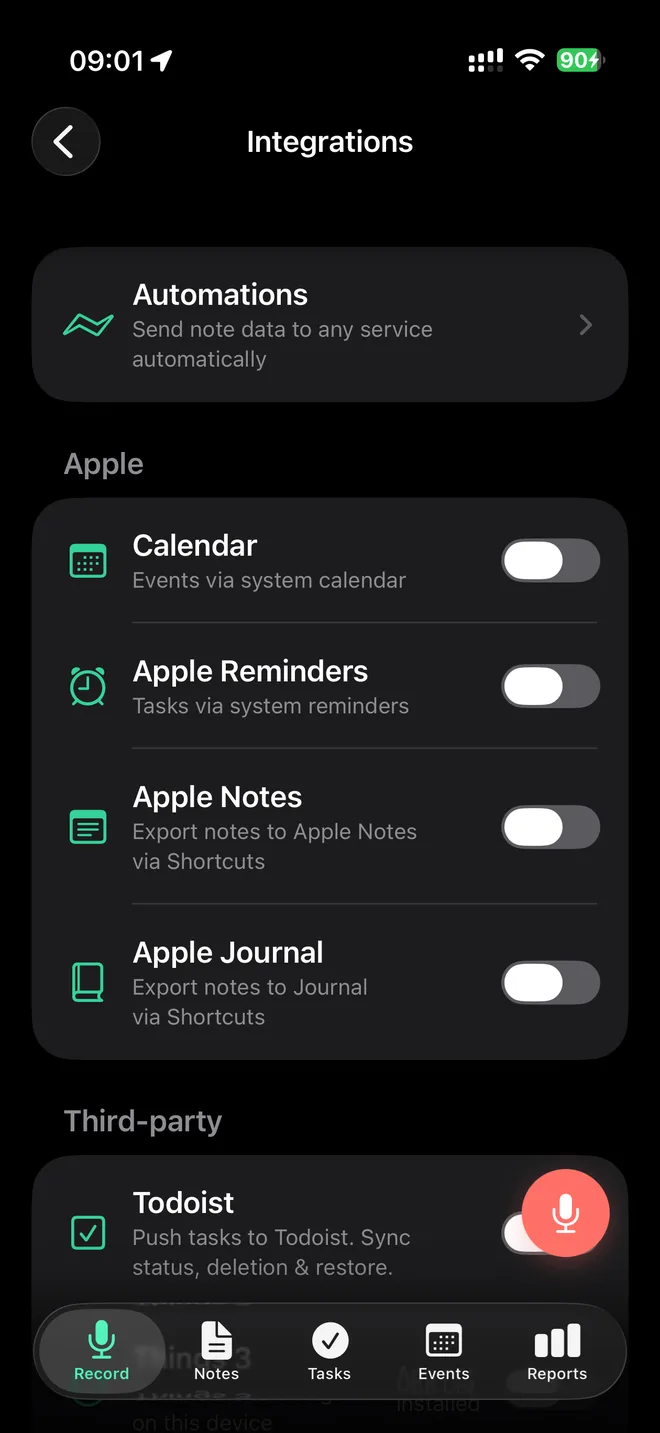
- Send things on. Reminders and Calendar, Things, Apple Notes and Journal (through Shortcuts), Todoist, Notion, and webhooks (Automations) work straight from your device. Some of these need Pro.
The app is available in 24 languages. Notes work best in English, Russian, Ukrainian, Spanish, French, German, Italian, Portuguese, and Chinese. Twelve more languages are marked beta.
What is different from TellDone
TellDone Offline has no sync between devices, no web version, no subscription, and no Ask my notes. Everything stays on the device you recorded on.
Set it up
- Install TellDone Offline from the App Store.
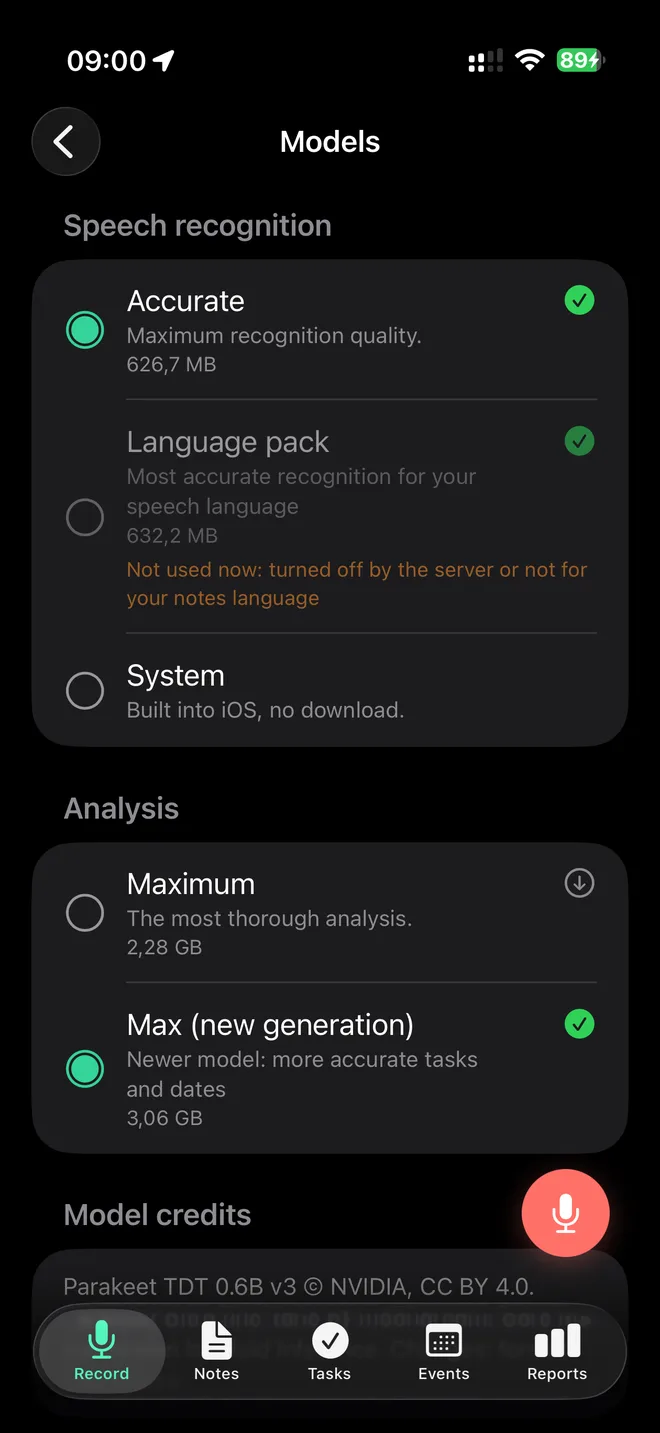
- Open it and connect to Wi-Fi. On first launch the app downloads its AI models once. You can follow the download in Settings > Models, and the window that opens on first launch is called AI Models.
- Wait for the models to be prepared. This takes about a minute, one time.
- After that, the app works without the internet.
Full analysis needs 8 GB of memory: iPhone 15 Pro and newer, and iPads with an M chip. Devices with 4 to 6 GB use Lightweight analysis (beta). Very long notes on those devices are analyzed in part, and the app tells you when that happens.
Free and Pro
TellDone Offline is free to start, with a monthly limit on new notes and shorter recordings. If you reach the note limit, your recording is not lost. A card with your audio or text appears in your Inbox. Tapping Retry opens the Pro screen until the limit resets, and you cannot swipe the card away by accident.
TellDone Offline Pro is a one-time purchase, not a subscription. It removes the note limit, allows longer recordings, and adds weekly, monthly, and yearly reports, Smart Context (after a new note it finds your open tasks that the note seems to complete and offers to mark them done with one tap, and it never closes anything by itself), Todoist, Things, webhooks, and extra themes. To buy it or bring it back on a new device, tap Get Pro or Restore Purchases on the Pro screen.
Your data
- Your notes, recordings, and database are stored only on your device.
- The app does not track you.
- Data leaves the device only when you send it yourself: a message to support, moving notes to a TellDone account, or a purchase through the App Store.
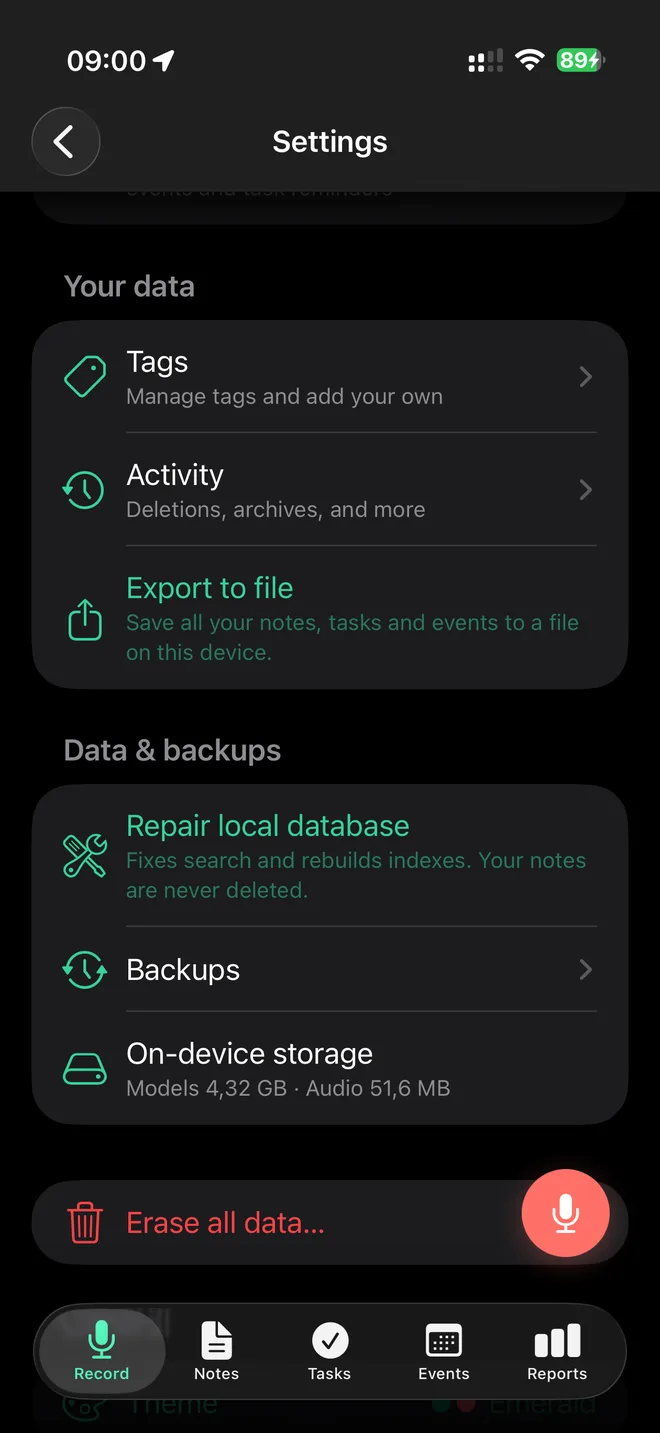
- The app makes backups on your device automatically. In Settings > Data & backups you can tap Back up now or restore from a backup.
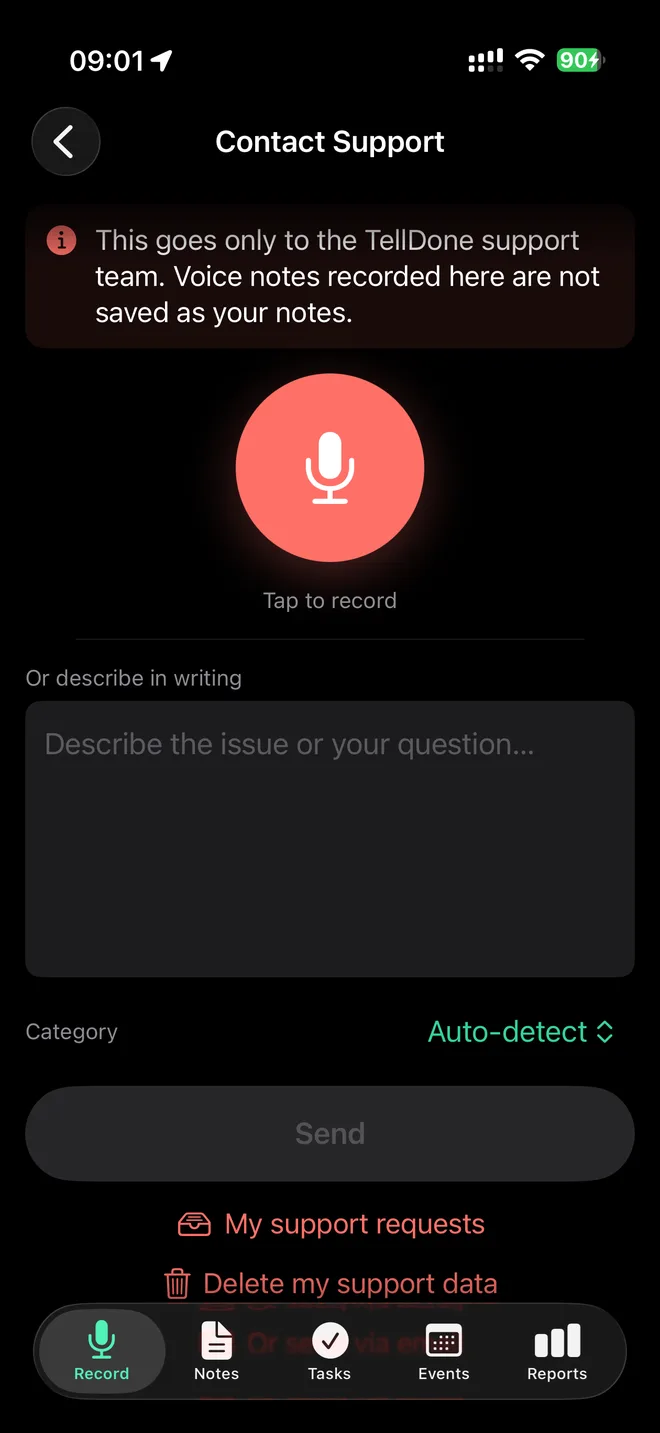
- To delete everything, tap the red Erase all data… row just under Data & backups in Settings, then type the confirmation. To remove what you sent to support, open Settings > Help & Support > Contact Support and tap Delete my support data.
- You can lock the app with Face ID, Touch ID, or a passcode in the App lock section of Settings. It is off by default. Recording from the Lock Screen, Control Center, the Action Button, Siri, and Apple Watch still works when the lock is on.
Move your notes to a TellDone account
If you already have a TellDone account, you can move notes once, in either direction, in Settings > Transfer with account. Audio is not moved, and the transfer does not create an account.
Get help
In the app, open Settings > Help & Support > Contact Support. You can write a message and attach a voice clip and your email. You see replies in My support requests, and you do not need an account. Include your device model, your iOS version, and what happened before the problem.
You can also use the support page at telldone.app/offline/support.