Weekly reports
Weekly reports are available on the Pro and Ultra plans. Free and Basic users do not get weekly reports. See Plans and pricing.
Generated at local midnight that starts Monday, covering the previous Monday through Sunday (ISO week). TellDone reads each of your daily reports for the week and synthesizes them into a higher-level story, then compares it to the previous week.
Week color rating
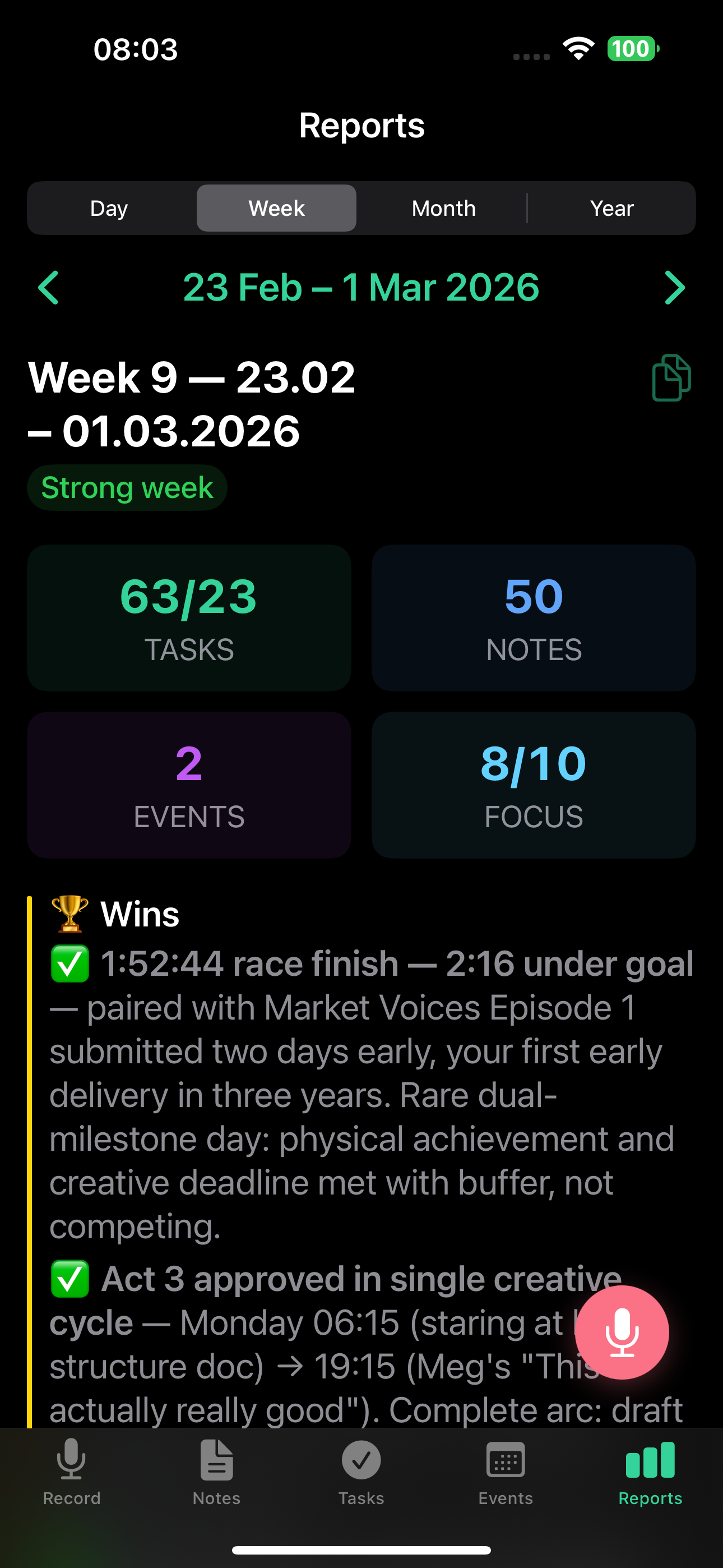
Each week gets a color that reflects its overall tone:
- Green (Productive) - great week, high completion rate
- Yellow (Mixed) - some wins, some challenges
- Red (Tough) - difficult week, many blockers
Report sections
The weekly report includes:
- Overview - top-line metrics with a comparison to the previous week.
- Highlights / Victories - your biggest wins of the week.
- Productivity metrics - notes created, tasks completed vs. created, events attended, completion rate.
- Top tags - your most active categories for the week.
- Tasks completed - the full list of what you finished.
- Events attended - calendar events that happened.
- Notable notes - the notes that mattered most.
Victories
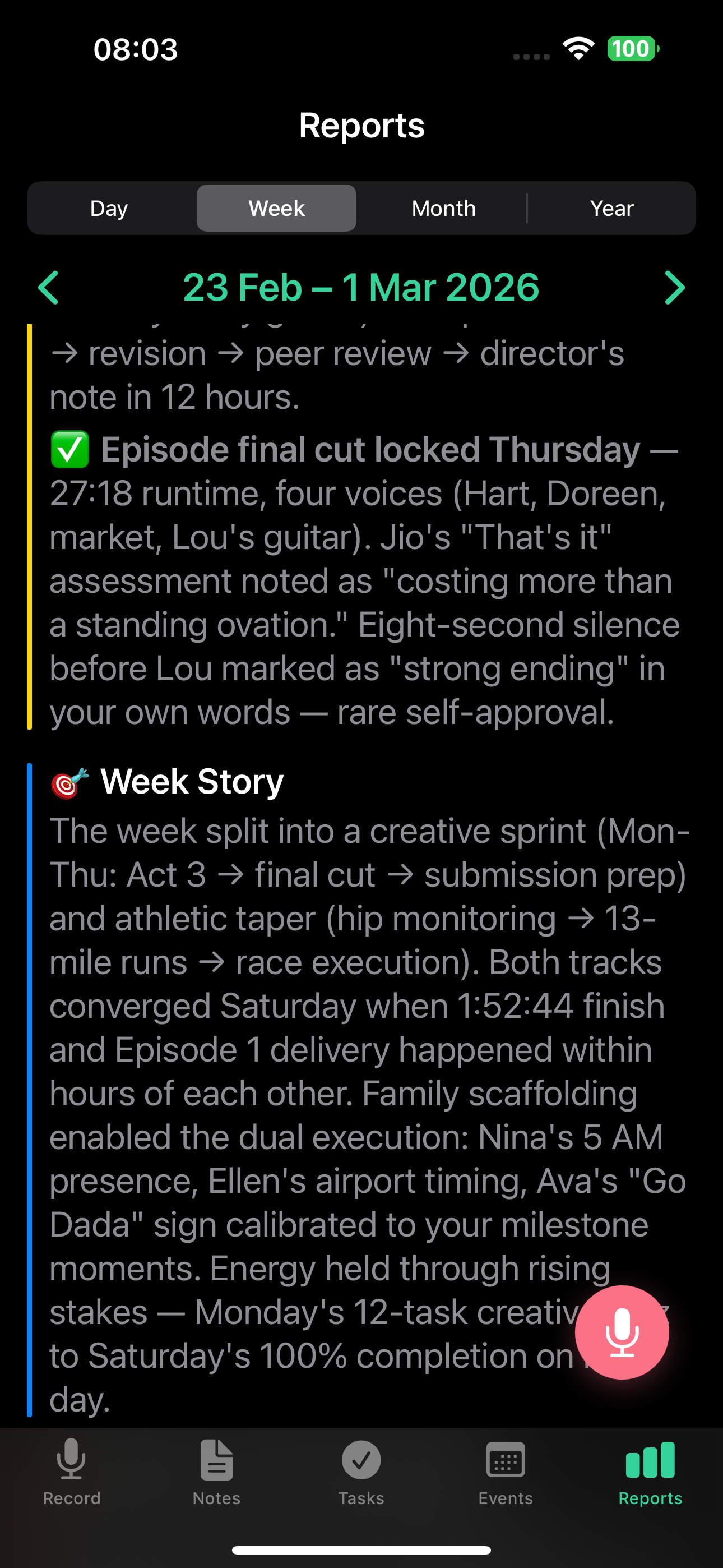
Your top achievements of the week.
Week story
A narrative summary of how the week unfolded, highlighting key moments and transitions.
Blockers and insight
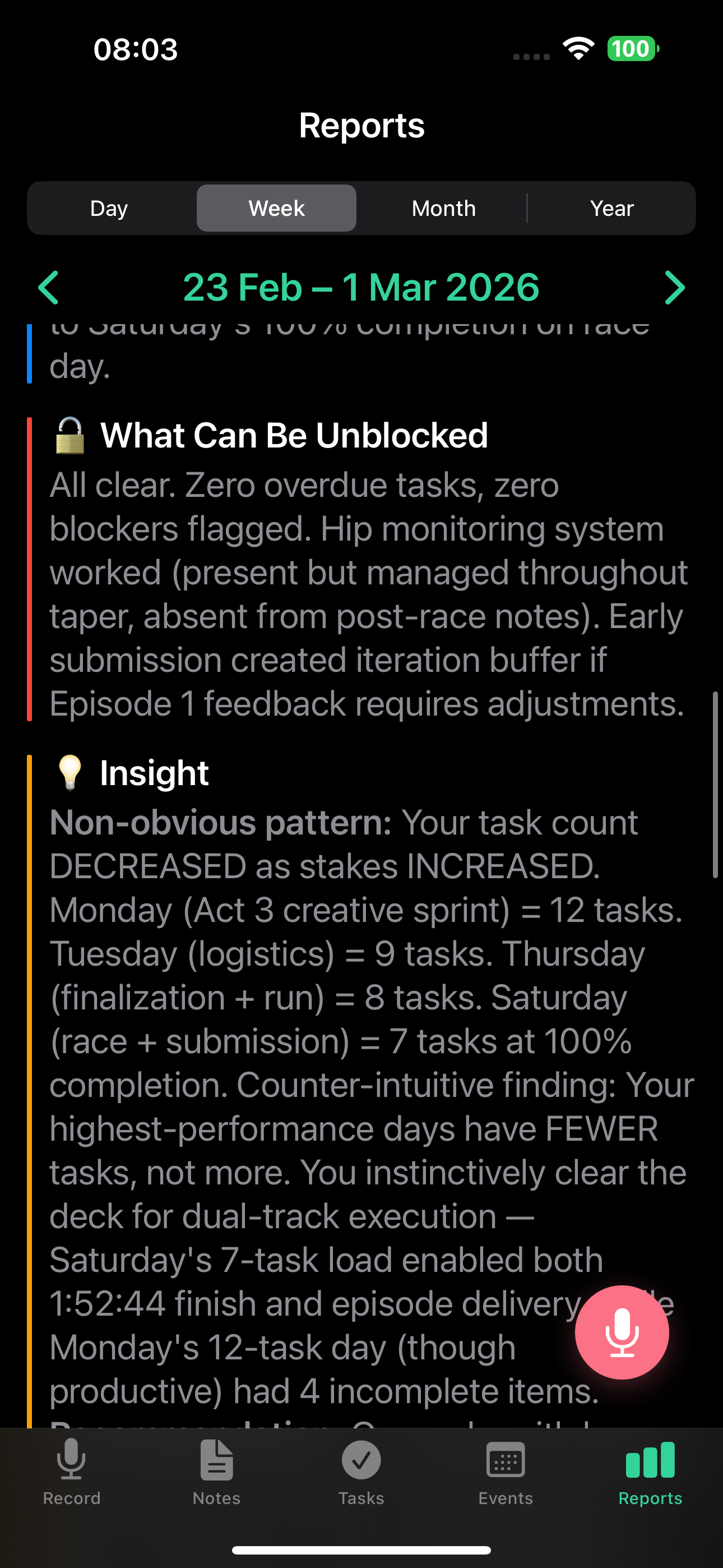
What held you back, with suggestions on how to unblock yourself, plus a key observation about your work patterns.
Patterns
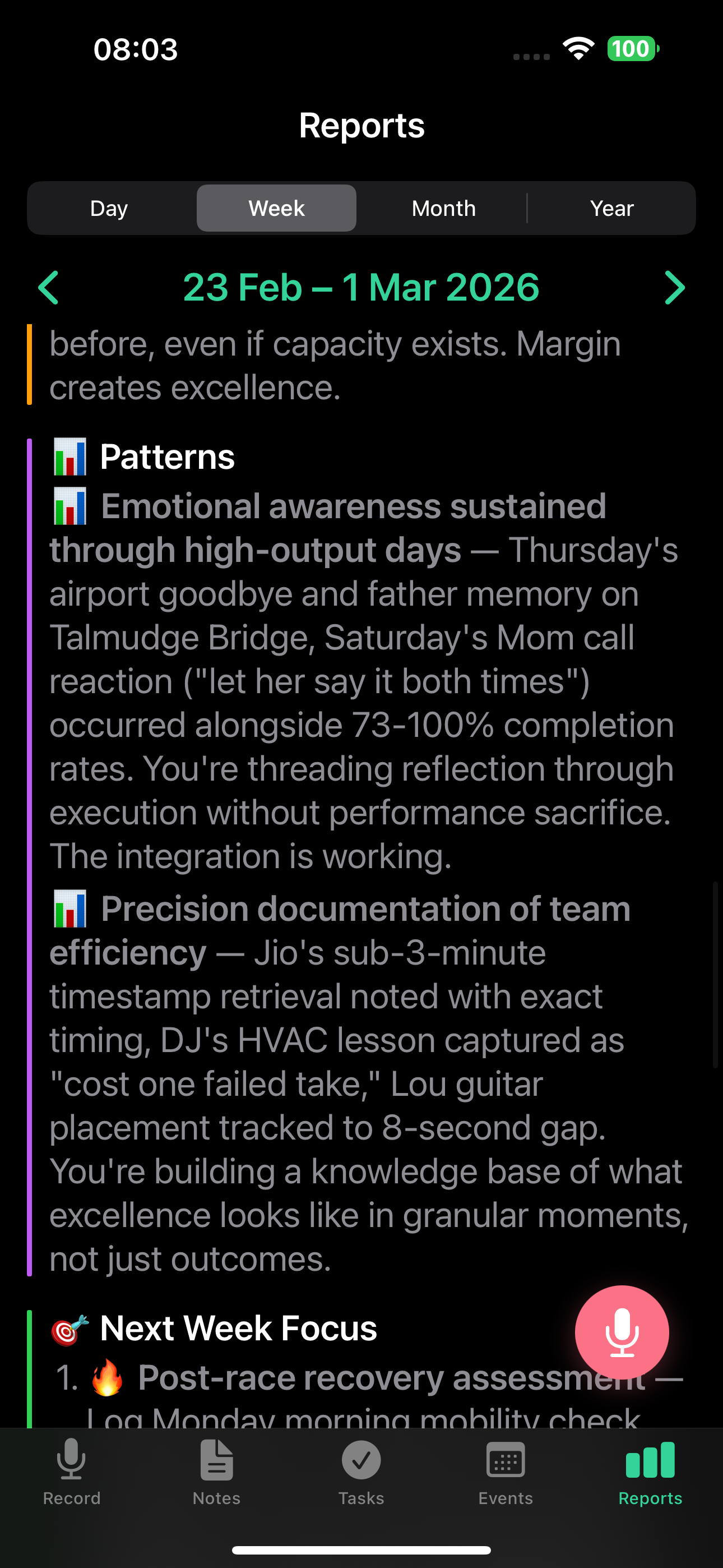
Recurring themes the AI detected across your daily activity.
Next week focus
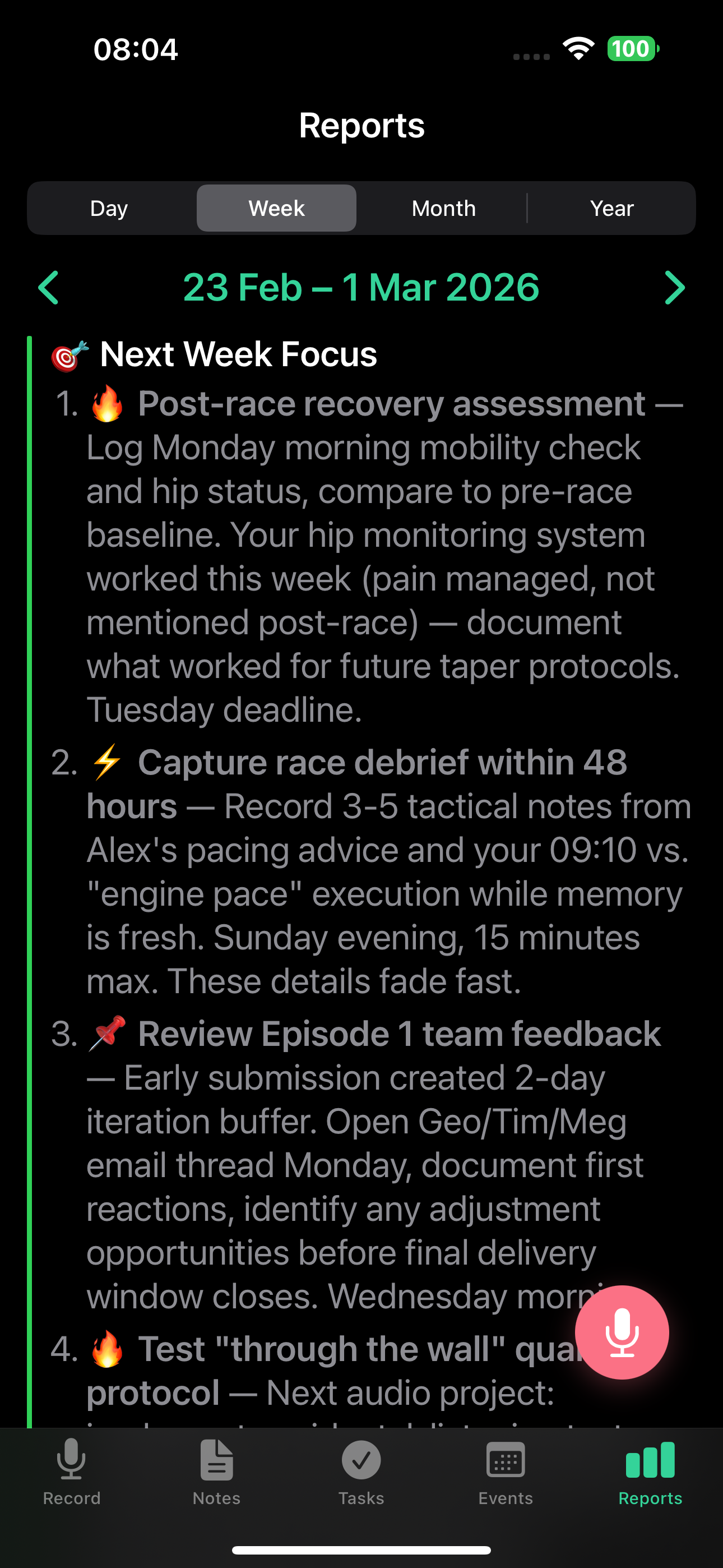
Recommended priorities for the coming week based on what is pending and what patterns emerged.
Additional content
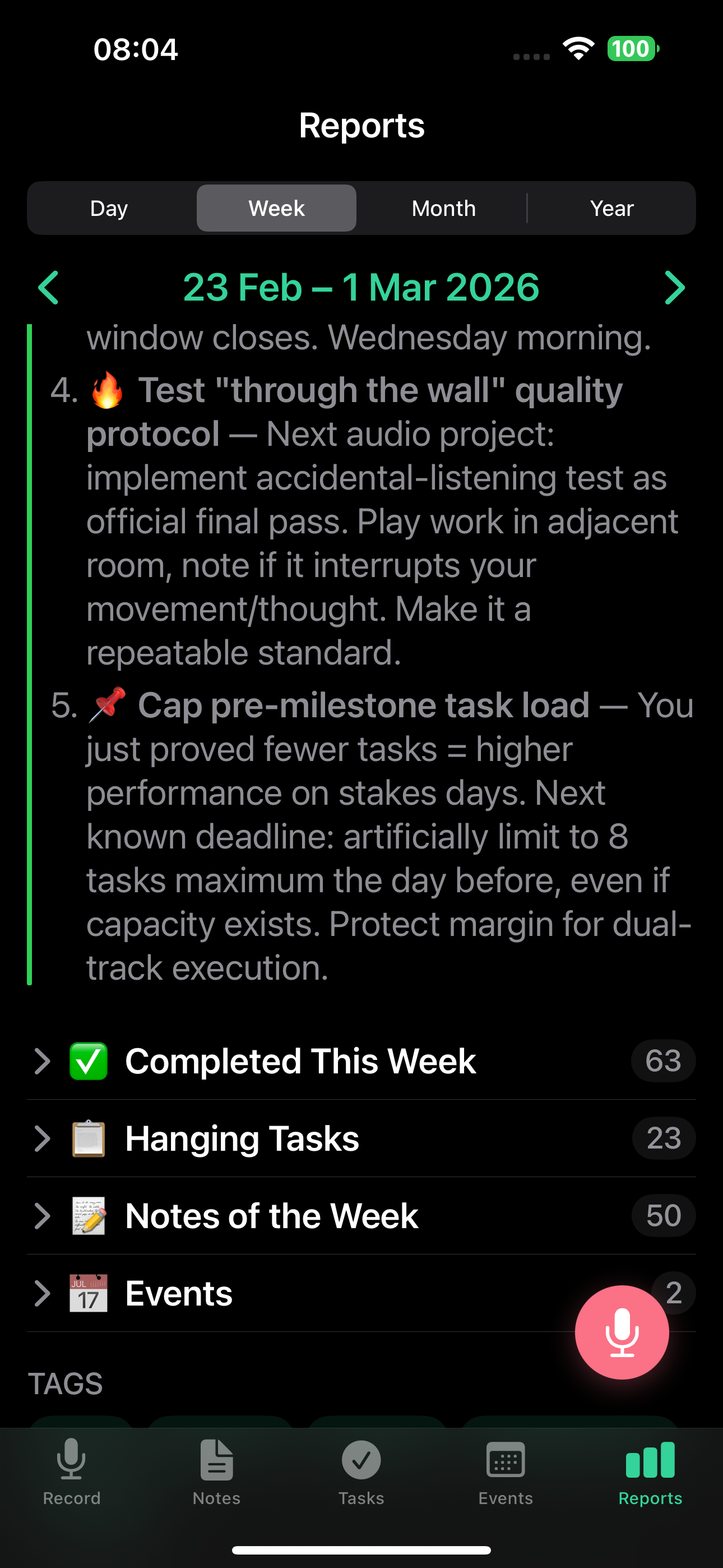
- Weekly metrics - notes created, tasks completed vs. created, events
- Completed tasks - full list of what you finished
- Hanging tasks - tasks that have been open for too long
If you open the current in-progress week before it closes, you see a placeholder instead of a full report. The full weekly report appears automatically once the week ends.
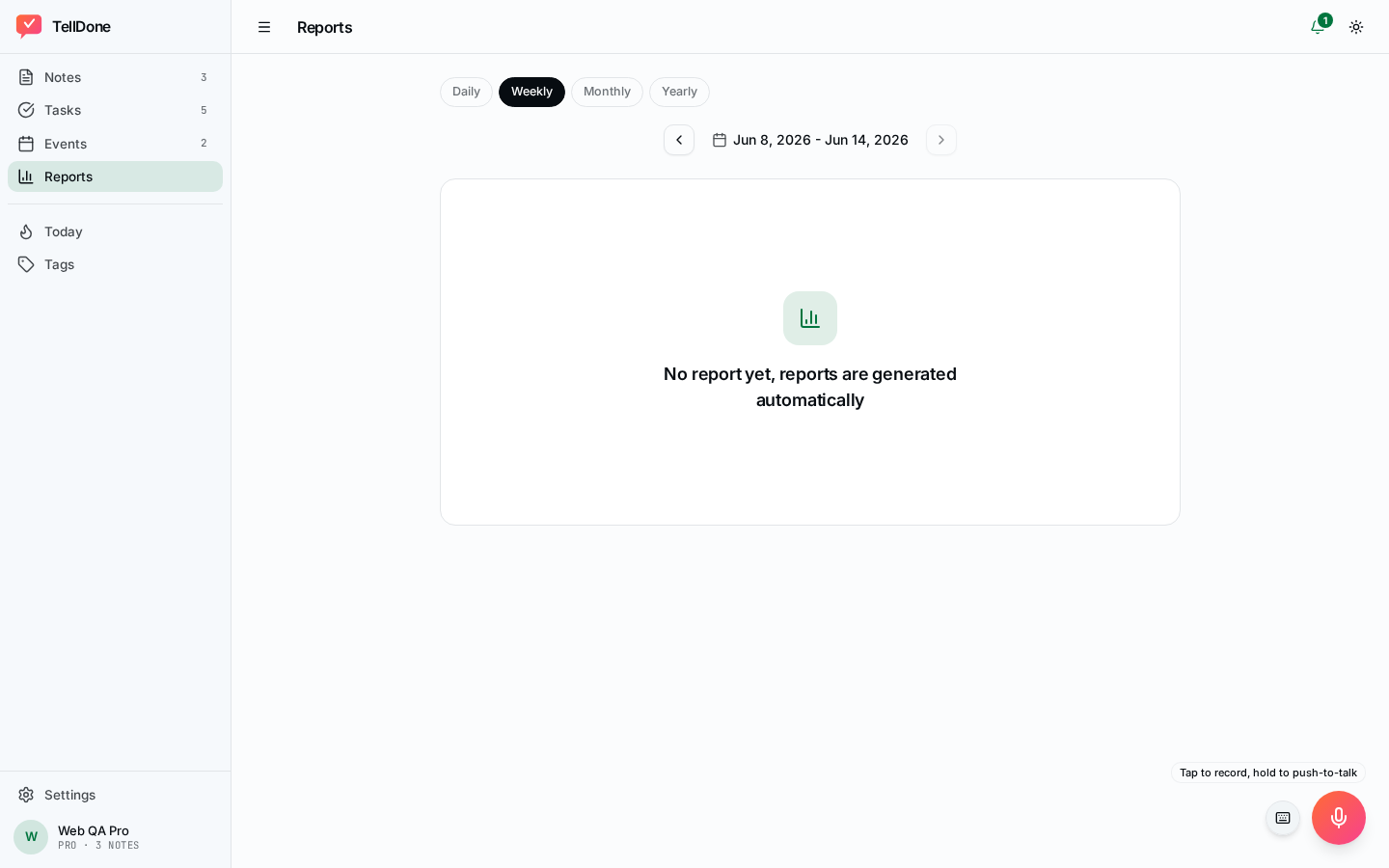
Viewing weekly reports on the web app and iPhone
Weekly reports use the V2 structured rendering on both app.telldone.app and the iOS app:
- Metric tiles - a 2x2 grid at the top: tasks completed, notes count, events count, and focus score. The week color (green, yellow, or red) and week label appear as a badge in the report header, not as a tile.
- Narrative sections (week story, blockers, patterns, next week focus) flow underneath.
- Collapsible blocks for completed tasks, hanging tasks, and notable notes keep the page compact.
- Period navigator - use previous and next buttons to move between completed weeks, or open the week picker to jump to any week.
- The copy button (clipboard icon) copies the full report to your clipboard, ready to paste into a doc, an email, or another app.
- Auto-refresh - if a new weekly report is generated while you have the screen open, it refreshes automatically.
- "Up next" placeholder - if you open the current (in-progress) week, you see an "Up next" placeholder until the week closes.
Report language
Weekly reports are generated in your content language (the language you speak), not your UI language. The whole report is in your content language, section headings included. Only the email subject stays in your app language.
Email delivery
Weekly report emails use this subject format: "John, Week 9 · Feb 24 - Mar 2 -- 12/18 tasks 🟢"
Weekly reports are most valuable when you use TellDone consistently throughout the week. The more data the AI has, the better the insights.
See also
- Daily reports - daily data that feeds the weekly overview
- Monthly reports - the next level of analysis
- Email reports - get weekly reports in your inbox
- Smart Context - auto-completions and achievements in the weekly story