Security and encryption
Here's how TellDone protects your account and your data.
Authentication
- Secure sign-in - your session renews itself in the background, so you stay signed in safely
- iOS Keychain - your sign-in details are stored in the iOS Keychain on your iPhone
- Sign in with Apple or Google - no TellDone password needed. You can add one later.
Stored data
- Data storage - your notes and recordings are stored on our servers in Germany, protected by access controls. Backups are encrypted, and so are your Todoist, Notion and Microsoft To Do connections
- Password hashing - passwords are stored only as one-way hashes, never in plain text
- Token security - sign-in tokens are stored only as one-way hashes. Your personal AI Agents (MCP) token is kept so you can see it again in the app; you can regenerate it at any time
Data in transit
- HTTPS everywhere - all communication between the app and our servers is encrypted (TLS 1.2 or 1.3)
- Webhook signing - each webhook delivery is signed, so the receiving service can check it came from TellDone
Privacy options
See Privacy controls for the settings you control. The TellDone apps contain no third-party analytics or advertising tools, and we never use your content to train AI models.
Data management
- Export all your data anytime, on every plan
- Delete your account with a 7-day safety window. After that, your data can persist in a monthly encrypted backup snapshot for up to 6 months
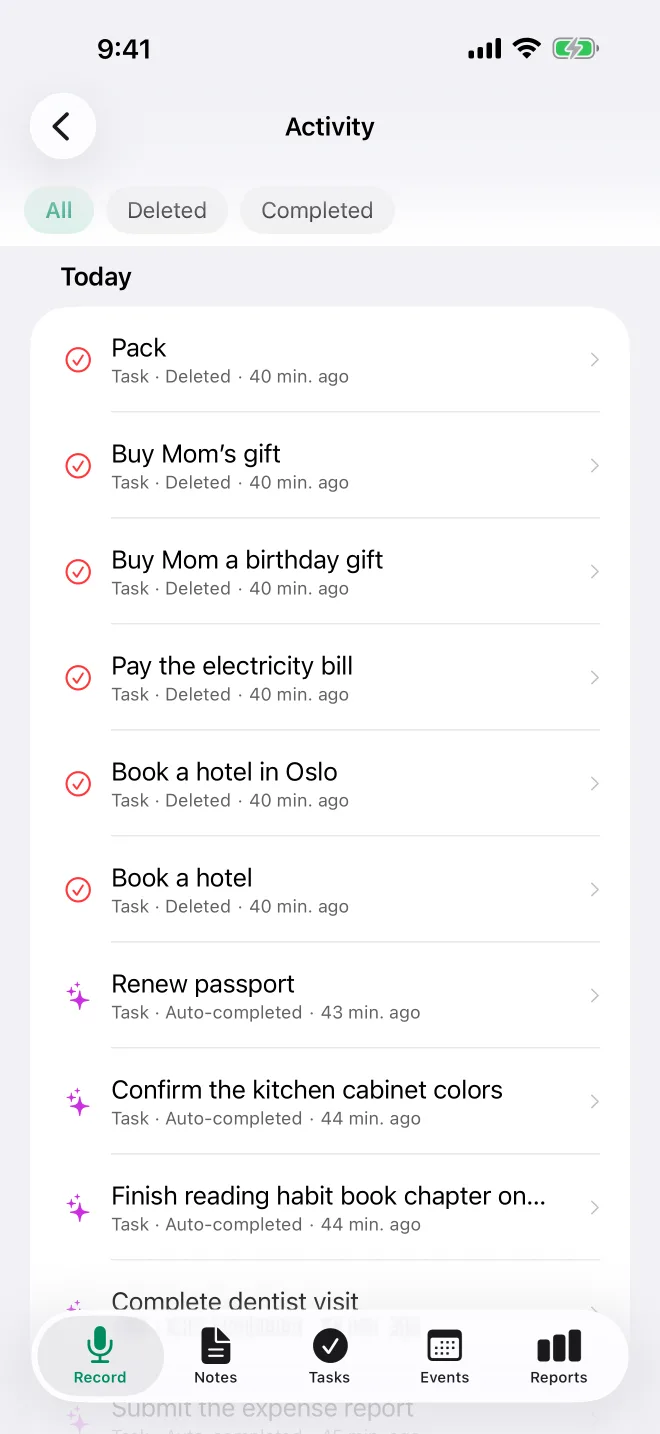
Deleted notes, tasks and events stay in the trash in Settings > Activity for a window that depends on your plan (Free: 30 days, Basic: 30 days, Pro: 90 days, Ultra: 365 days). After that, they are removed permanently. Each deleted item in Activity shows the date until which you can restore it.